Export
Datafor provides various export formats, allowing users to export data and reports in different ways.
- PDF: Save reports in PDF format, providing high-quality printing and sharing capabilities.
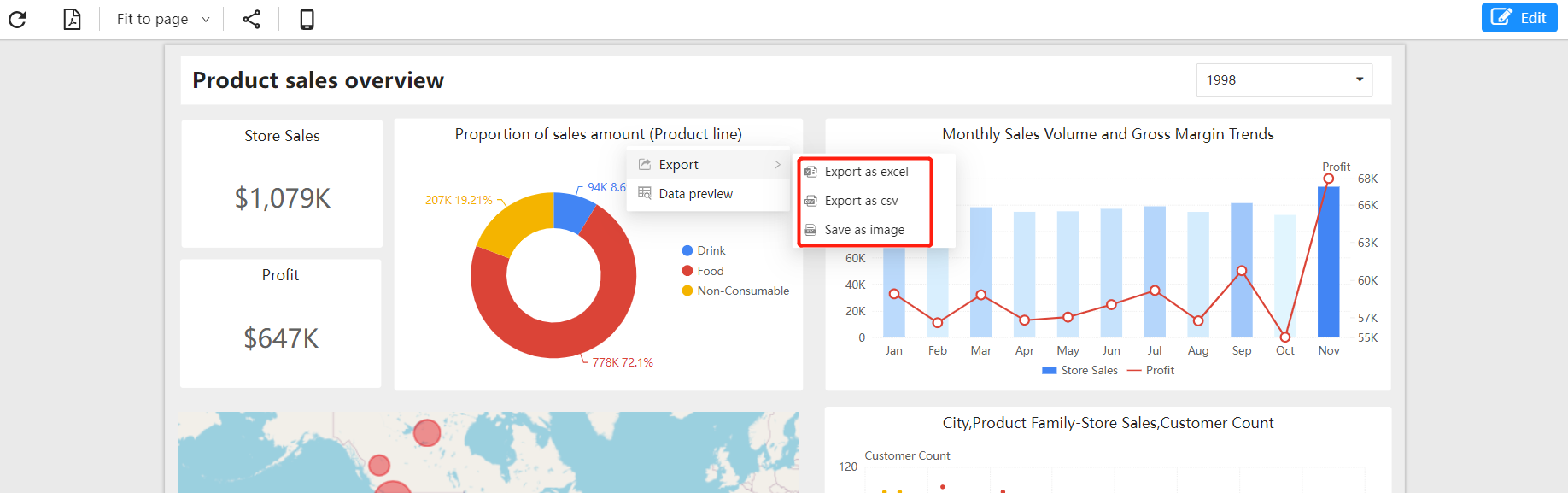
- Excel: Export data in spreadsheet format, allowing users to perform more detailed analysis and processing of the data.
- CSV: Export data in comma-separated values format. This format is suitable for importing data into other software, such as databases or spreadsheets.
- PNG: Export reports in image format, making it easy to insert them into documents, presentations or web pages.
Report Export
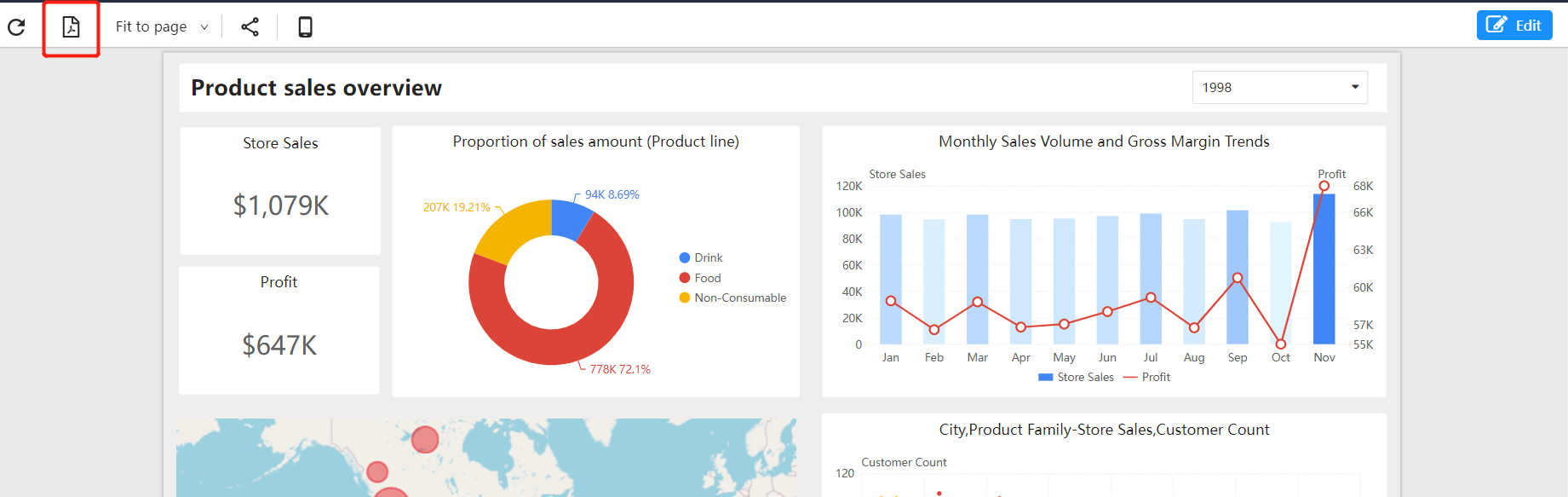
Export reports as PDF files using the export button on the toolbar.
Component Export
Export components via the "Component Menu":
- Image files
- Excel files
- CSV files